Understand the VISOR UI#
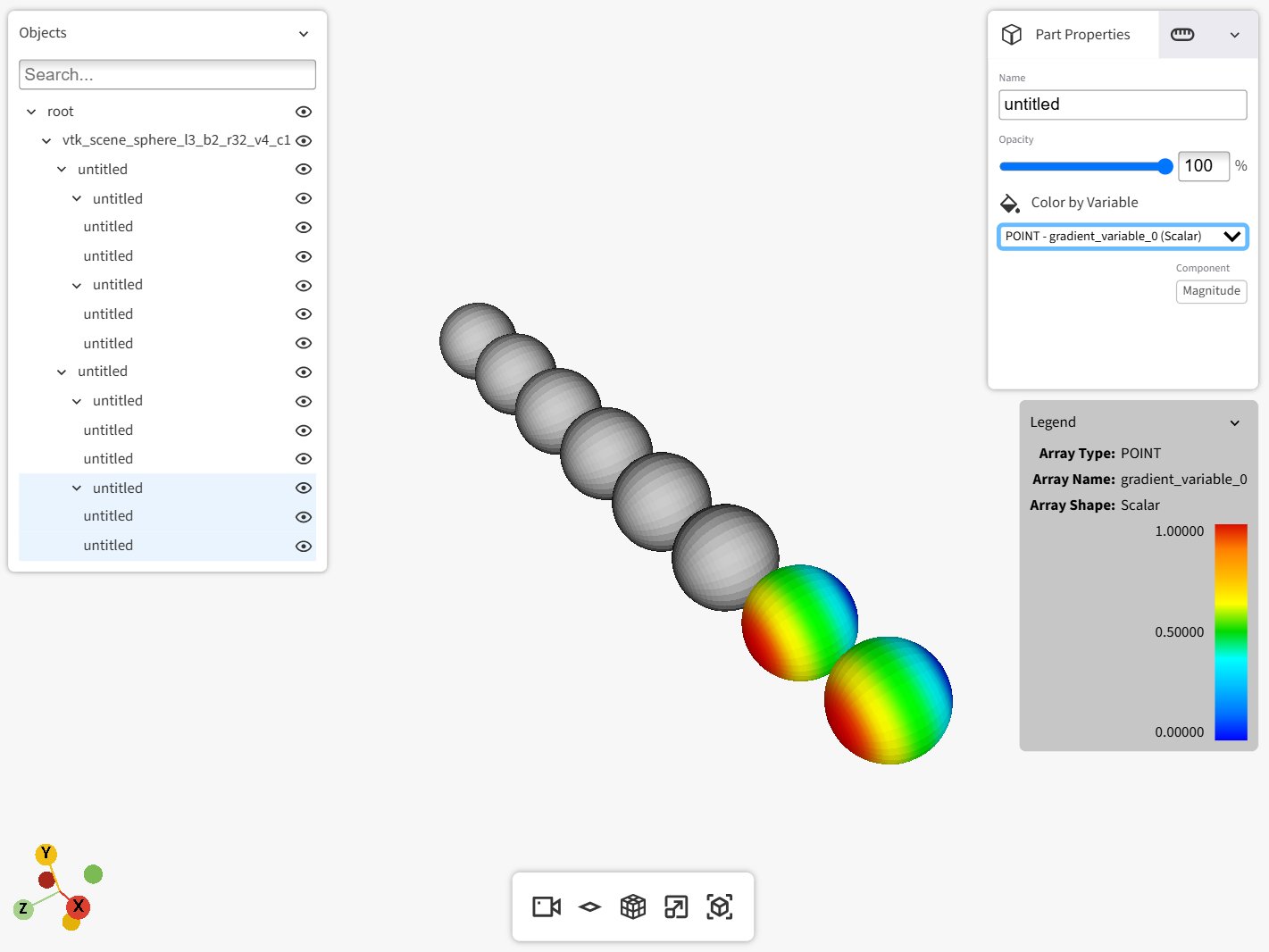
VISOR’s UI, which exists as a layer above the VTK rendering window, is divided into panels. The following linked pages describe how to use these panels.
- Rendering window
Learn how to use the VISOR rendering window.
- Lower horizontal bar
Learn how to use the controls in the lower horizontal bar.
- Part list
Learn how to use the part list.
- Top right panel
Learn how to use the Part Properties and Legend settings tabs.